927 results for Desktop · 2.256s

News for “Desktop”
20 results • 2251 ms server time
Show HN: Open-source desktop agent that uses a local folder as its memoryIMAGE
github.com• Jul 7, 2026• 1 min read
Show HN: Open-source desktop agent that uses a local folder as its memoryOrbital is an open-source desktop agent runtime that lives in a local folder on your desktop, with sandbox, approval presets and sub-agent support.Think of it as Obsidian + Hermes in one native app, with extra features.The key is that it uses the folder as its own wiki to keep track of your work and artifacts, so it stays at the tip of your work without needing you to explain twice.Some important features:1. Long-term memory: Orbital stores all memory as .md files locally. It uses a two-tier approach. Tier 1 is a few files injected directly into the system prompt. Among them is an index.md, which is how the agent remembers what the tier 2 files are and when/how to use them. You can open the folder and read everything it knows.2. Project as sandbox: You set up a "project" in a local folder — same idea as a Claude/ChatGPT project. But the agent can create, update and delete project files when needed (you can set it to ask for your approval first). The agent's shell commands are restricte
Show HN: Wolffish – An OS personal desktop AI agentIMAGE
wolffi.sh• Jun 19, 2026• 1 min read
Show HN: Wolffish – An OS personal desktop AI agentHeya everyoneI'm Younes, and I've been building Wolffish for a while now. I want to tell you why...I love AI. I use it every single day. But every AI agent I tried left me disappointed. Either, it's a CLI tool that is a black box not even the creators understand, or it is a server running with exposed ports inviting all the malice of the internet, or it breaks after every update, or it takes 30 minutes just to set up before you can even say hello, or the worst one yet, you need a course and certificate to begin using the darn thing ...I just wanted something simple. Something I install, open, and it works. Something my dear grandma could use. Something that actually does real work on my computer — not just generates text I copy-paste somewhere else. Something I could hand over the keys to my private digital setup with peace of mind.So I built Wolffish. It's a desktop app. You install it and it works out of the box. No server. No setup templates. No bullshit. No broken updates. It's sec

Show HN: AptSelect – A local desktop app to test LLMs side-by-sideIMAGE
aptselect.com• Apr 2, 2026• 1 min read
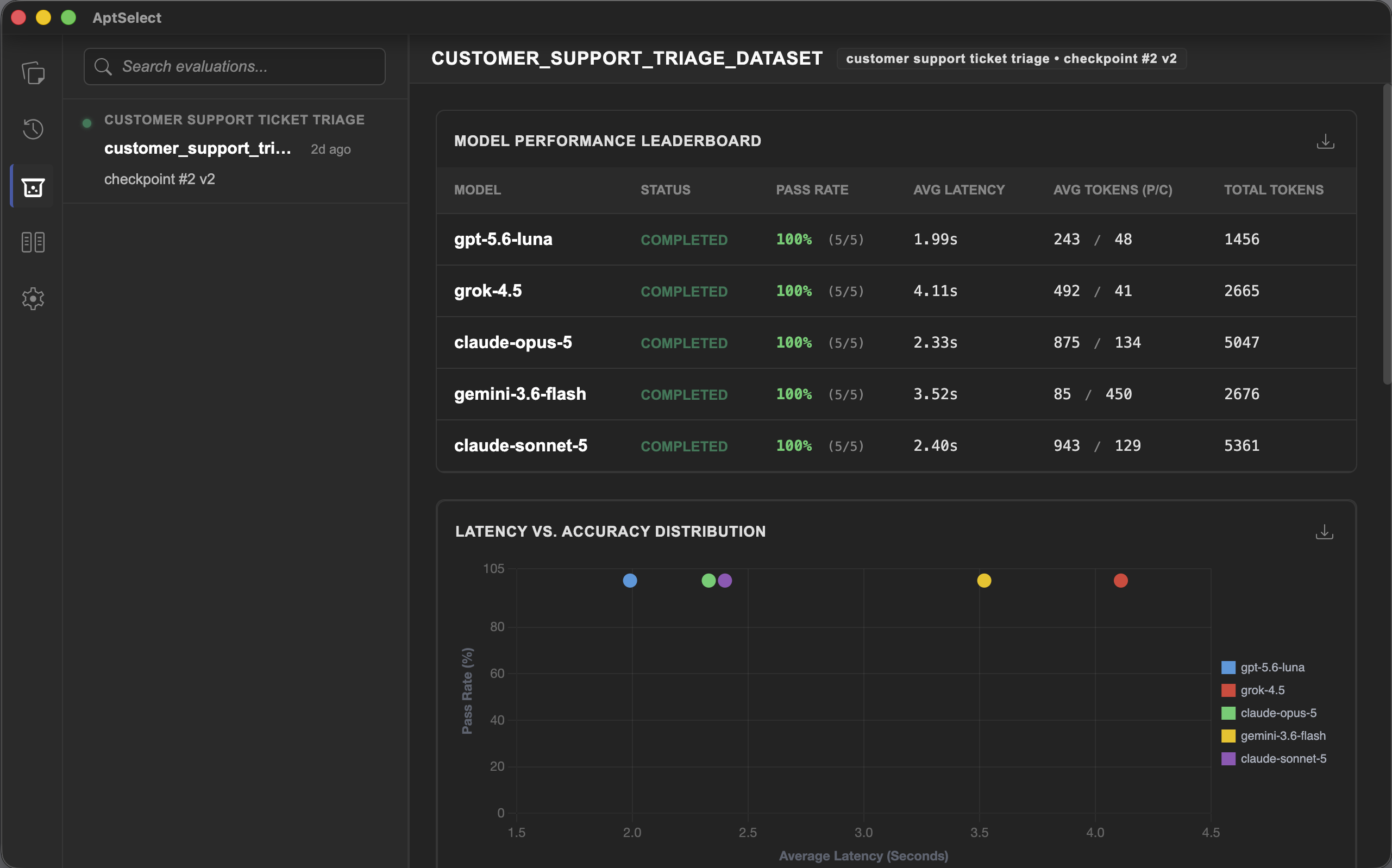
Show HN: AptSelect – A local desktop app to test LLMs side-by-sideHi HN,Whenever I needed an LLM to reliably output JSON or follow strict formatting rules, I kept having to write throwaway JavaScript scripts just to test the same prompt against OpenAI, Anthropic, and Google APIs to see who actually followed the instructions. It was a tedious workflow, so I built a local desktop UI to just do it for me.What it does:* Sends one prompt to OpenAI, Anthropic, Mistral, and Google simultaneously so you can compare the outputs in a single grid.* Automatically checkpoints your runs. If you tweak a word and the output gets worse, you can just click back to the previous version.* Exposes raw API responses, latency stats, and token usage instead of hiding them behind a chat UI.* Saves your history to a local SQLite file on your disk.* Keeps your API keys encrypted locally (zero telemetry).Yes, it is built on Electron. I sincerely apologize to your RAM. I tried to mitigate the usual bloat by sticking to vanilla JS and native Web Components, so it idles around ~24
Advertisement
Ask HN: What toolchains are people using for desktop app development in 2025?IMAGE
news.ycombinator.com• Aug 9, 2025• 1 min read
Ask HN: What toolchains are people using for desktop app development in 2025?I recently came across a comment [0] here that highlighted the challenges of building native desktop apps with LLMs. The commenter pointed out how scarce training resources have become—few blog posts, tutorials, or open-source projects exist compared to web or mobile development. They also noted that while desktop app development was a solid career path in the 90s, it's now seen as a dead end for most, outside of big players like Microsoft or Adobe.This got me thinking: My own experience with desktop development dates back to the late 90s using Turbo Pascal 6 in Delphi, and I'm out of the loop on modern practices. With the evolving landscape, I'm curious about what tools and workflows developers are actually using today.Some questions to spark discussion:- What programming languages and frameworks are popular for desktop apps? - Are there any go-to IDEs, build tools, or libraries that make development easier? - Do the above answers change if you care about code performance or efficienc
Advertisement
Moozonian News
deepanshumishraa.github.io• 1d ago• 1 min read
Show HN: Wallps: set different live wallpapers for macOS desktop and lock screenmacOS ties the lock screen to your desktop wallpaper, with no built-in option to set them separately. Wallps decouples the two, letting you choose one static image for the desktop and another for the lock screen, including live video wallpapers.What it does: - Set desktop and lock screen wallpapers independently - Use live wallpapers from local videos or Apple’s aerials - Run silently in the background as a menu bar app and automatically apply settings after a reboot - Open source, free, and compatible with macOS 13 and laterBehind the scenes, the lock screen is rendered by `loginwindow` without third-party code. As a result, live lock screen video requires registering the clip as a system aerial in macOS 26 and re-encoding user videos with Apple’s temporal scalability scheme. This is the format expected by the stock wallpaper engine; videos without it freeze after the first unlock.demo: https://x.com/dipxsyy/status/2092845512722625007?s=20
Advertisement
Moozonian News
bing.com• 2d ago• 1 min read
Mac mini vs Mac Studio: Which desktop is right for you?The Mac mini and Mac Studio are similar in many ways. But the Mac mini is a simple, compact box, while the Mac Studio is a real heavyweight that's bigger in size. Both are desktop computers designed ...
Moozonian News
expressed.effective-flow.com• 2d ago• 1 min read
Show HN: Scribble/write on your desktop, with any phone/tabletScribble/write on your desktop, with any phone/tablet - I'd like your feedback.Expressed is a way to make it easy to draw directly on your desktop using any phone or tablet - think along the lines of "I want to draw (on my screen) to help aid my discussion". The desktop is projected onto the phone/tablet, so you can actually see what you're about to scribble over - pinch/zoom and various tools provide the typical/expected drawing tools - and whatever you scribble is seen on the desktop.If you wanted to try (link to m/soft store): https://apps.microsoft.com/detail/9N694D0PN6GB?cid=hn01I've often wanted to scribble in code reviews, brainstorming/ideation - so figured, now that AI makes coding a little easier (cough cough); I'll turn that idea into a product.It took me (part time) about 7 months from initial idea, through validation, writing the product, loads of wrong turns (there are monsters in some of those branches, branches? heck that's a FOREST), etc etc to get where it is today -