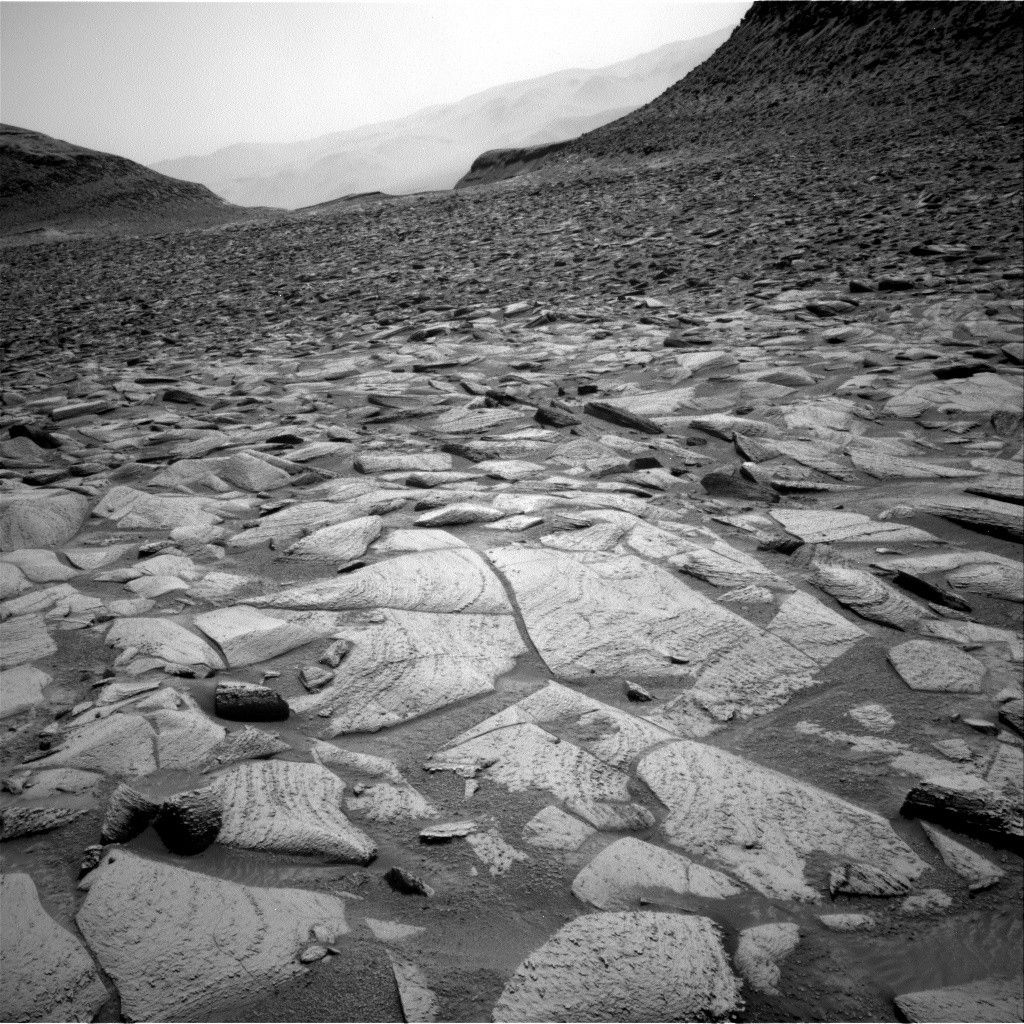
Sols 4541–4542: Boxwork Structure, or Just “Box-Like” Structure?Written by Ashley Stroupe, Mission Operations Engineer at NASA’s Jet Propulsion Laboratory Earth planning date: Wednesday, May 14, 2025 Today we came into another strange and interesting workspace (see image above) that is as exciting as the one we had on Monday. This is our first arrival at a potential boxwork structure — a series […]
Sols 4522-4524: Up on the RoofWritten by Deborah Padgett, OPGS Task Lead at NASA’s Jet Propulsion Laboratory Earth planning date: Friday, April 25, 2025 On Sols 4520 and 4521, Curiosity was supposed to study layered rocks in its workspace, then drive on. Unfortunately, a communications pass didn’t go as expected, preventing this plan from being transmitted. Our rover is fine, […]
Navigating a Slanted RiverWritten by Denise Buckner, student collaborator at University of Florida Perseverance is hard at work on Mars, overcoming obstacles for scientific exploration! Just a few sols after successfully sealing the challenging Green Gardens core, Perseverance roved on to the Broom Point workspace to collect another sample called Main River. Broom Point is situated a few […]
Sols 4396-4397: Roving in a Martian WonderlandEarth planning date: Monday, Dec. 16, 2024 Over the weekend Curiosity continued her trek around the northern end of Texoli butte, taking in the beautiful views in all directions. Steep buttes reveal cross-sections through ancient sedimentary strata, while the blocks in our workspace contain nice layers and veins — a detailed record of past surface […]
Sols 4393-4395: Weekend Work at the Base of Texoli ButteEarth planning date: Friday, Dec. 13, 2024 Curiosity continues to make great progress over the Mount Sharp bedrock and will spend the weekend investigating the northern base of the “Texoli” butte. The science team back on Earth enjoyed taking in the beautiful views of nearby “Wilkerson” butte and “Gould Mesa” while digging into the workspace […]
Sols 4389-4390: A Wealth of Ripples, Nodules and VeinsEarth planning date: Monday, Dec. 9, 2024 We are continuing to edge our way around the large “Texoli” butte. Much of the bedrock we have been traversing recently looks pretty similar — paler-colored laminated bedrock — but today’s workspace had some interesting features, as did the “drive direction” image, which focuses on the future drive […]
New Artemis Virtual Meeting Backgrounds Released Celebrating Artemis I, Looking to Artemis II and BeyondVirtual meetings feeling a little stale? NASA has just unveiled a suite of new Artemis backgrounds to elevate your digital workspace. From the majesty of the Artemis I launch lighting up the night sky to the iconic image of the Orion spacecraft with the Moon and Earth in view, these virtual backgrounds allow viewers to […]
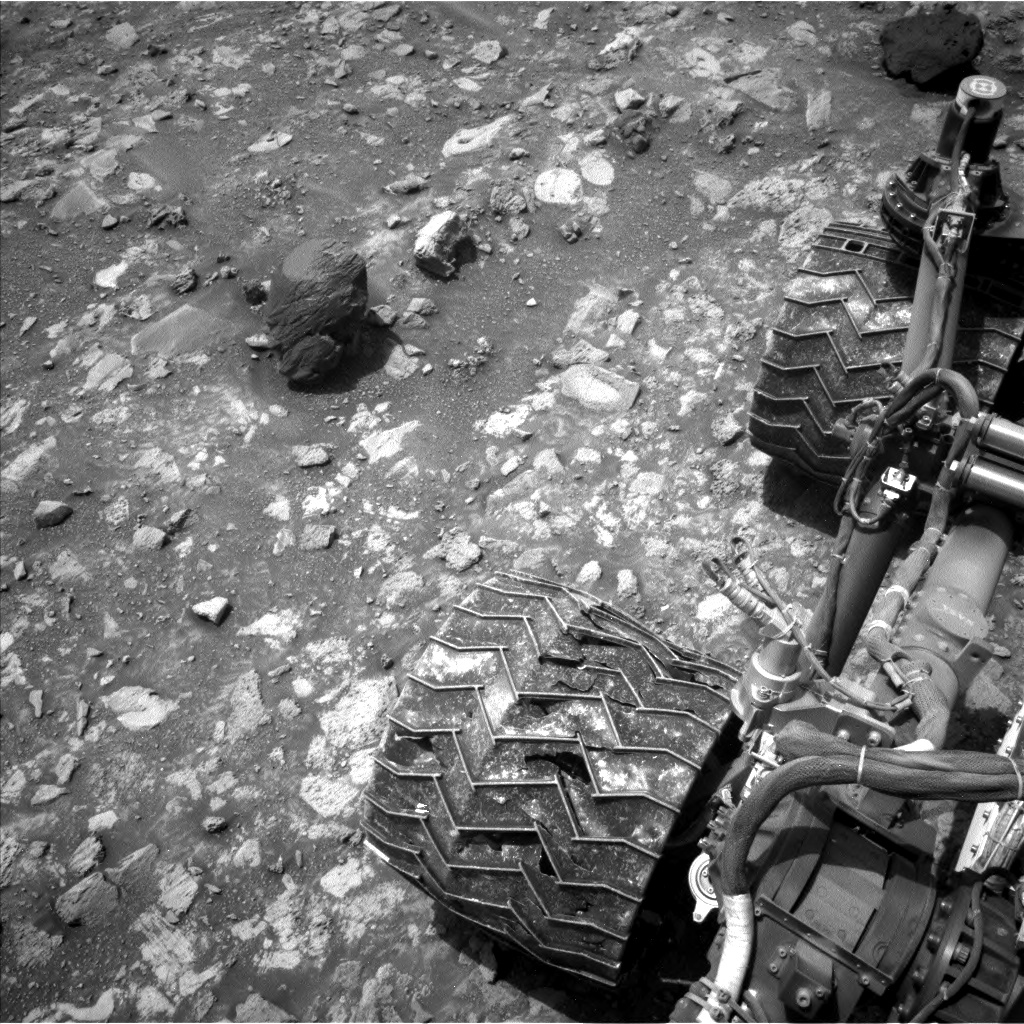
Sols 4366–4367: One of Those Days on Mars (Sulfate-Bearing Unit to the West of Upper Gediz Vallis)Earth planning date: Friday, Nov. 15, 2024 The Monday plan and drive had executed successfully, so the team had high hopes for APXS and MAHLI data on several enticing targets in the rover’s workspace. Alas, it was not to be: The challenging terrain had resulted in an awkwardly perched wheel at the end of the […]
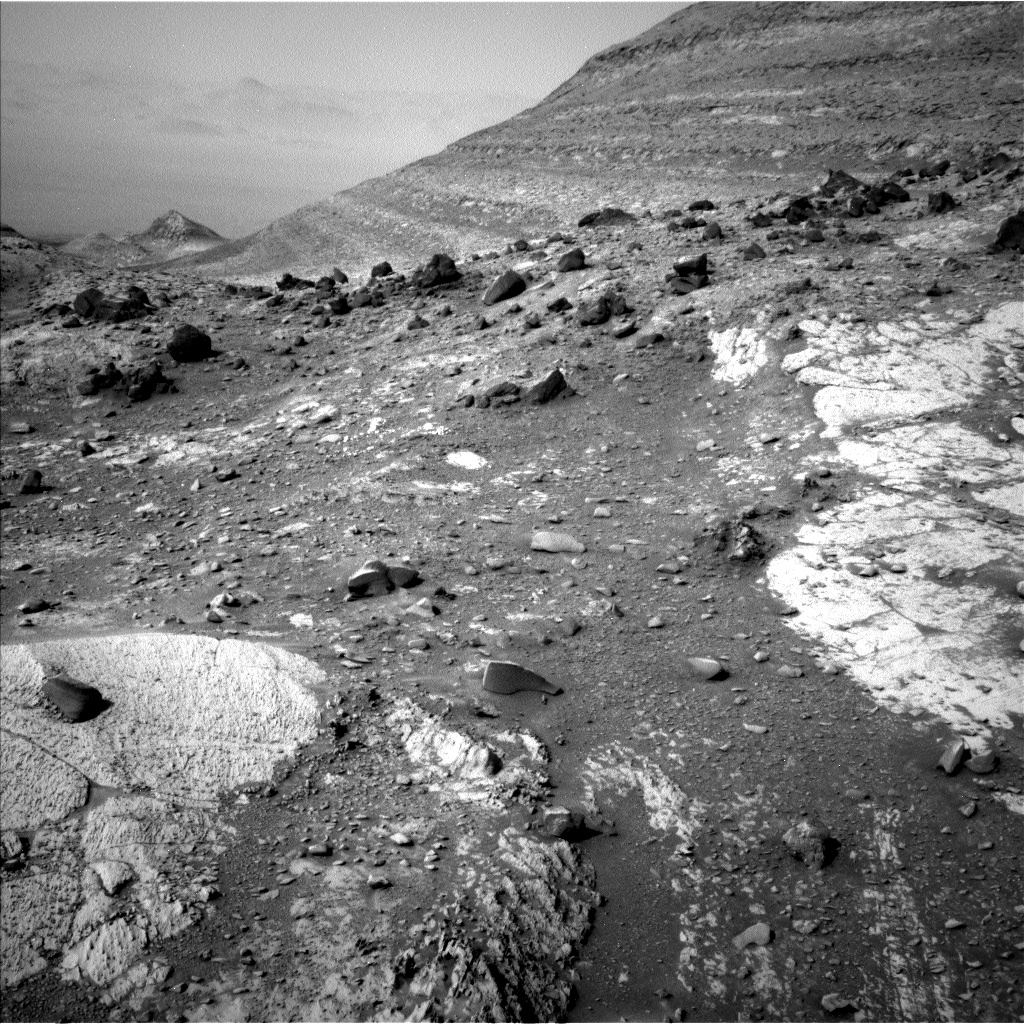
Sols 4307-4308: Bright Rocks Catch Our EyesEarth planning date: Monday, Sept. 16, 2024 We made good progress through Gediz Vallis in the weekend drive, landing in a segment of the channel containing a mix of loose rubble and other channel-filling debris. Amongst the jumbled scene, though, particular objects of interest caught our eye: bright rocks. In past workspaces in Gediz Vallis, […]
Sols 4297-4299: This Way to Tungsten HillsEarth planning date: Friday, Sept. 6, 2024 Contact science in our immediate workspace includes a joint effort by MAHLI and APXS to characterize a gray rock with two targets named “Big Baldy” and “Big Bird Lake.” ChemCam focused its Laser Induced Breakdown Spectroscopy (LIBS) instrument on a rock with a reddish coating, “Purple Creek,” and […]
Sols 4257-4258: A Little Nudge on Kings CanyonEarth planning date: Friday, July 26, 2024 Today’s 2-sol weekend plan is our first taste of a new location for a potential sampling campaign. We call today’s plan type: Drill Sol 1 – triage contact science. We arrived this morning to a lovely new workspace. The science team has been eagerly observing these lighter-toned rocks […]

New Tracer Open-Source App Combines Opus 5 and Codex WorkflowsOrchestrate multiple AI models in a unified workspace using Tracer. The free desktop app lets Opus 5 and Codex collaborate seamlessly on macOS.

Building a custom drawer box for my workbenchWatch the process of building a sturdy and functional drawer box for a workbench. A practical DIY project focused on precision, durability, and smart storage to upgrade any workspace. #DIYProjects #Wo ...

Show HN: Zuse" One agent coordinating 20 Linear issues in worktreesI’m building Zuse, an open source workspace for coding agentsI gave one lead agent 20 Linear issues. It created separate workspaces and started a different coding agent in each one.Each agent made its changes, ran tests, tested the app in a browser, and took screenshots. I reviewed every result before merging anything.In about two hours, 18 issues were completed and two needed my help.Demo: https://x.com/swarajb/status/2087535598672429334?s=20 GitHub: https://github.com/swarajbachu/zuseI’d love feedback on how you’d want to review this much parallel agent work and you can fork or add your own changes to the github app

Are you good at AI, or just using it?We’re working on a ladder for individual AI proficiency and would love feedback on both the levels and the definitions.L0 New: brand new to AI, or has not yet used it.L1 Chat: simple prompt-and-response use. Work is serial: ask, wait for an answer, then ask again.L2 Contextual Work: gives AI relevant documents, data, or workspace context so it can work within the actual artifact and produce a more useful result.L3 Orchestrate: coordinates multiple agents or AI roles across independent workstreams, with work that may review, challenge, compare, or build on other work. This is not just for engineering.L4 Automate: creates workflows that are triggered by business events and run without someone sitting at a laptop directing each step.L5 Loop: feeds the output of those workflows back into shared knowledge or a company brain, so future workflows improve over time.A few things I’d love your perspective on:Are these the right levels? Are any of the names unclear or overlapping? What observable

Show HN: Omacosy – Omarchy-style tiling desktop for macOS, no SIPI have been using omarchy on my tower since nearly a year now, shortly after it was released first. I really love the experience I am having with it but I still use my macbook for daly work, so I wanted to recreate a similar experience on it. Thats why I created omacosy, a setup for tiling windows, custom menu bar, some themes from omarchy, focus follows mouse, focus rings around windwos, some mac flavors with trackpad events and a custom mission control overview for your workspaces.I used AeroSpace over yabai for the tiling window manager because I didnt wanted to compromise on SIP which is a mac security feature. It is supposed to be keyboard first like omarchy to move windows organize workspaces etc The setup runs around 157mb of ram and consists of AeroSpace, Karabiner (for the super key), and five small self build swift binaries.I am running it daily on my M1 max macbook, currently on macOS26. I havent tested it much on other macbooks or macOS versions. The install script creates

Show HN: Markdown Buddy – Native macOS Markdown Editor with Quick Look and XcodeI write a lot of project documentation in Markdown, and two things kept annoying me on macOS: Quick Look shows .md files as raw text, and Xcode shows a README as plain source. So I built the app I wanted. Swift and AppKit, 4.8 MB, sandboxed. The editor is a plain NSTextView. The rendered view is WKWebView, so it uses the system engine rather than a bundled browser, which is where the size difference comes from. Quick Look and Finder thumbnails are separate app extensions sharing the same renderer.Beyond preview: open a folder as a workspace and browse every .md in a tree, search across all of them, and see a graph of the links between documents with broken ones flagged. An Xcode Source Editor extension opens the file you are looking at, rendered, from the Editor menu.One implementation detail I found non-obvious. The live preview restyles the NSTextStorage as you type. The hard rule is that it must never touch attributes while an input method is composing, or Japanese, Chinese and Kore

Meta AI Comes to Mac With Screen Sharing and Business IntegrationsMeta has launched a Mac app with window sharing, dictation, and integrations for Facebook, Instagram, advertising, and Google Workspace.

Meta Brings Business Data Into AI For Small BusinessesMeta is bringing business data from Facebook, Instagram, ads and Google Workspace into Meta AI, targeting faster analysis and routine tasks for small firms.